DEAL SHOPPING GUIDE
Robot vacuum deals: compare the dock and running costs
By Unbeatable Deals · Updated
Quick answer
Choose the cleaning tasks and dock functions your home needs, then add replacement supplies and the space needed to maintain the machine. A cheaper robot is only a better buy if its complete setup works for you.
01
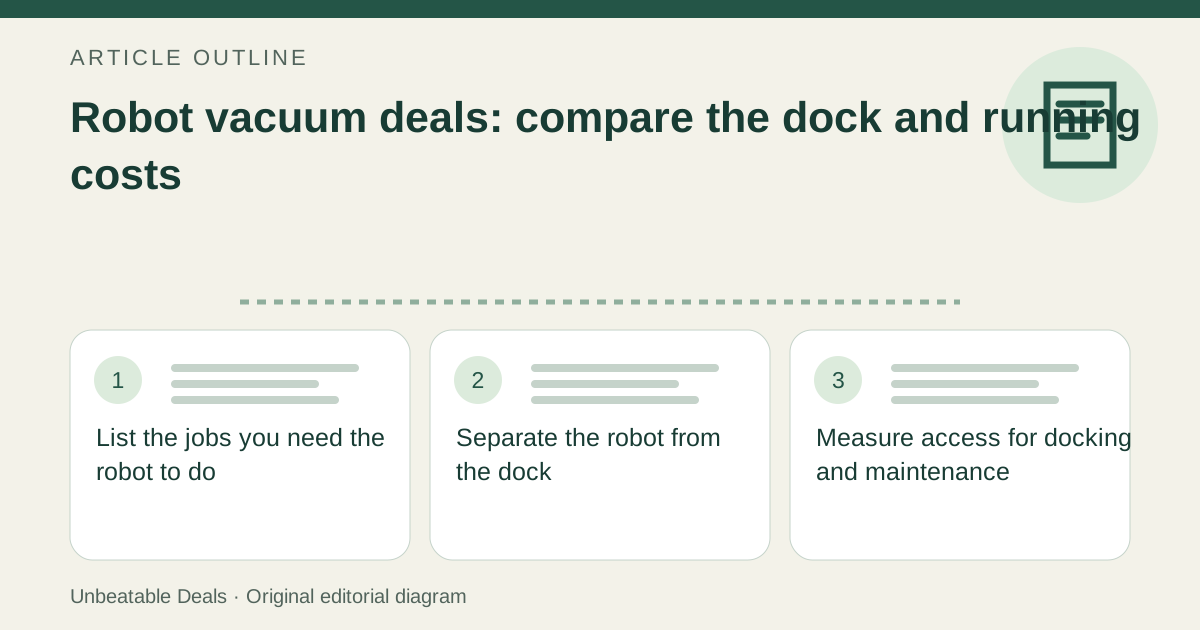
List the jobs you need the robot to do
Write down your floor types, rugs, furniture clearance and the rooms you expect it to clean. Decide separately whether you need vacuuming, mopping, room selection or obstacle avoidance. Treat each as a requirement to verify in the exact model documentation. A large advertised suction number does not answer whether the robot can navigate your home or handle your particular rugs; compare like-for-like test conditions when a manufacturer provides them.
02
Separate the robot from the dock
Record the robot model and the dock model as two line items. A charging base, a dust-emptying dock and a dock that also washes mop pads offer different conveniences. Read the included-items list for the selected bundle and identify which chores remain manual. Do not assume that a product-family photograph establishes the dock supplied, or that a dock sold separately can be added to any robot from the same brand.
03
Measure access for docking and maintenance
Measure the proposed parking spot, approach path and access to lids or removable water tanks. Roborock’s linked placement guidance specifies clear space beside, in front of and above its dock; that is a useful reminder to check more than the cabinet footprint. Use the exact model’s manual for the required dimensions. A dock that fits beneath a shelf may still be awkward if you cannot lift out its tank or reach its bag.
04
Price the supplies before the machine
Build a list of compatible bags, filters, brushes, mop pads and any required cleaning solution. Record the replacement part numbers, pack quantities and current delivered prices. Follow the model’s care instructions instead of assuming one replacement schedule applies to every home. For example, iRobot’s Auto-Wash instructions call for bag changes when prompted and describe tank and basin cleaning; automatic emptying does not remove all maintenance. iRobot 4849916 Max 700 Series Combo dock bags: $19.99 for 3 bags, about $6.66 per bag (US manufacturer listed price checked November 20, 2026, before tax and shipping). iRobot quotes up to 75 days per bag. Your floor debris and cleaning frequency determine when each bag fills.
05
Compare a defined ownership period
For a useful estimate, add purchase cost, supplies you expect to use and any required paid service over the same period. Keep repairs, electricity and uncertain replacement intervals visible as unpriced items unless you have a basis for them. In a fictional two-year comparison, a $300 robot plus $60 of supplies per year totals $420; a $380 robot plus $25 per year totals $430. That $10 gap may matter less than the maintenance work each leaves you. These are example budgets, not product prices or a lifespan prediction.
06
Check how the features are controlled
Before paying for advanced mapping or scheduling, verify the required app, account, network and any paid features. Look for an explanation of what works from the robot’s own buttons and what depends on the connected service. Check the manufacturer’s support pages for the exact model and whether replacement supplies are still offered. An older discounted model can be useful, but a lower price is not evidence that its connected features will remain supported.
07
Make the final decision from your routine
Choose the least expensive complete setup that meets your cleaning requirements and leaves a maintenance routine you will actually perform. Save the exact robot and dock identifiers with your comparison. If supplies, dock compatibility or clearance remain unconfirmed, resolve those questions before treating the bundle as good value. This guide compares documented requirements and illustrative costs; it does not rank cleaning performance or claim hands-on testing.
Sources
- iRobot: compatible docks and three-pack bag price
- iRobot: Auto-Wash Dock care and maintenance instructions
- Roborock: dock placement and clearance
See how we check deals for this site’s reference-price and freshness policy.
Browse Home essentials deals, or browse current deals with this checklist. Report unclear guidance through corrections.