DEAL SHOPPING GUIDE
USB-C charger deals: check the cable and shared power
By Unbeatable Deals · Updated
Quick answer
Match your device’s charging requirements with the charger’s output and the cable’s power rating. Then check how power is divided when several ports are used. A USB-C connector or a large wattage on the box does not answer all three questions.
01
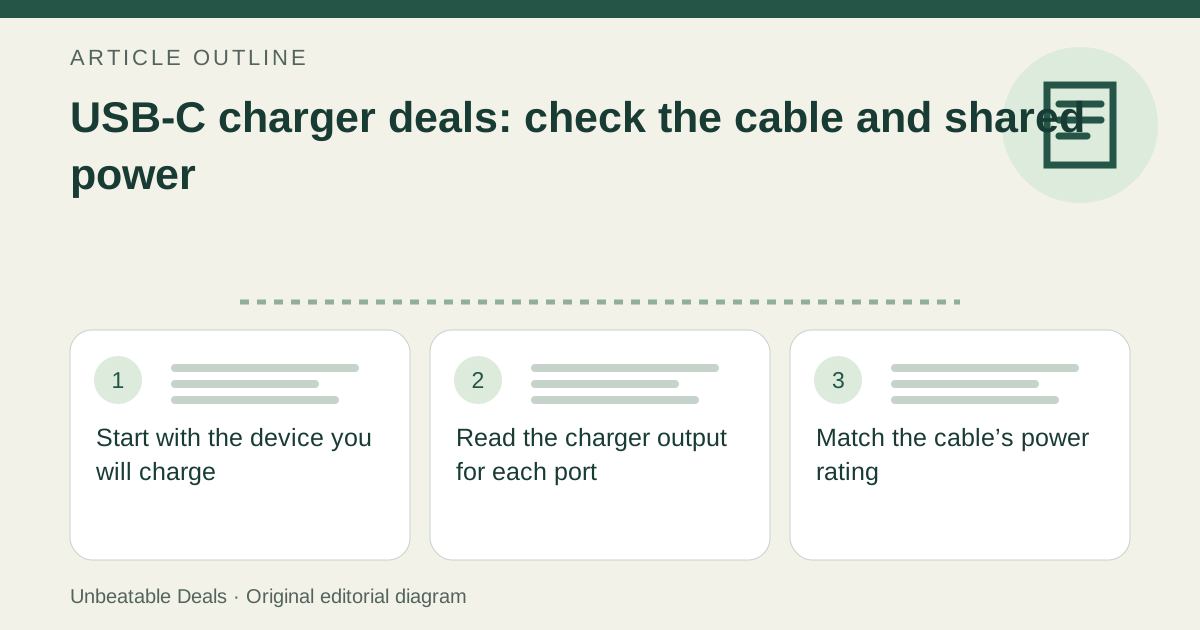
Start with the device you will charge
Find the charging guidance for the exact phone, tablet, laptop or accessory. Record its supported charging standard and the power-adapter requirements for your intended use. A laptop used while charging may have different practical needs from a phone left overnight. Write down the device models and which ones you expect to charge together so you are comparing the setup you will actually use.
02
Read the charger output for each port
Check the output table, not only the total wattage in the title. USB Power Delivery allows compatible devices to negotiate the power they need; the largest advertised number is not a promise that every connected device receives that amount. Verify that the manufacturer documents the charging standard required by your device. If a feature depends on a particular port, note that port in your comparison rather than treating every socket as identical.
03
Match the cable’s power rating
USB-IF explains that cables have different capabilities and that certification does not add capabilities to the connected products. Its current USB-C cable program uses 60W or 240W power markings, with separate data-rate markings where required. Choose a cable rated for the intended charging setup, with the right connector at both ends and enough length. A higher-rated cable does not make a lower-powered charger or device charge at that higher rating.
04
Check the combined-port configuration
Find the manufacturer’s table for two, three or more devices connected at once. The distribution may differ from each port’s maximum when used alone. As a specific example, Apple says its 35W dual-port adapter supplies up to 17.5W to each device when charging a Mac laptop and an iPhone or iPad together. That example illustrates sharing on one adapter; use the documented split for the exact charger you are considering.
05
Separate charging from data and display needs
If the cable will also connect an SSD, monitor or dock, write down those requirements separately. A power rating is not a data-speed or display-compatibility specification. Check the cable and both connected devices for the required capability. For charging-only use, paying for a feature you will never use may add no value; for a desk setup, omitting a required feature may force a second purchase.
06
Compare a complete usable bundle
Count the charger, suitable cables and any required plug arrangement. In a fictional comparison, a $25 charger without a cable plus a $12 suitable cable costs $37; a $34 bundle with the required cable costs $3 less. Only compare them this way after confirming equivalent outputs, shared-port behavior and cable capability. A spare cable is worth counting only if you need it. These amounts illustrate the calculation and are not current offers.
07
Keep a short purchase record
Save the device requirement, charger model and output table, cable rating and planned port combination. If the listing provides only a connector photo and a headline wattage, seek the missing specifications before buying. Once received, check that the model and supplied cable match the offer and follow the manufacturer’s instructions. This guide is a compatibility checklist; it does not certify an individual charger or measure charging speed.
Sources
- USB-IF: cable capabilities and power/data labeling
- USB-IF: USB Power Delivery
- Apple: how power is shared on the 35W Dual USB-C Port Power Adapter
See how we check deals for this site’s reference-price and freshness policy.
Browse Mobile & Accessories deals, or browse current deals with this checklist. Report unclear guidance through corrections.